How to Sign Up on Bybit and Verify Your Account
Sign up with your email, choose a strong and unique password, confirm the code sent to you, then complete identity verification (KYC). Turn on two-factor login before you deposit anything.
Before you start
You need:
- An email address that only you can open. Secure it first (strong password and two-factor login). It can reset your exchange account.
- A phone with an authenticator app. See How to Set Up 2FA on Bybit.
- A valid ID document. See Bybit KYC in Nigeria.
Only download the app from the official app store listing or type the website address yourself. Fake apps and fake links are common. See Common Crypto Scams in Nigeria.
Step 1: Create the account
- Open the official Bybit website or app.
- Choose to sign up with email (or phone).
- Enter your details and create a password. Use a long password you use nowhere else.
- Enter the verification code sent to your email.
If you decide to use Bybit, you can open a Bybit account here (affiliate link) and check the new-user rewards on the sign-up page. See our Affiliate Disclosure.
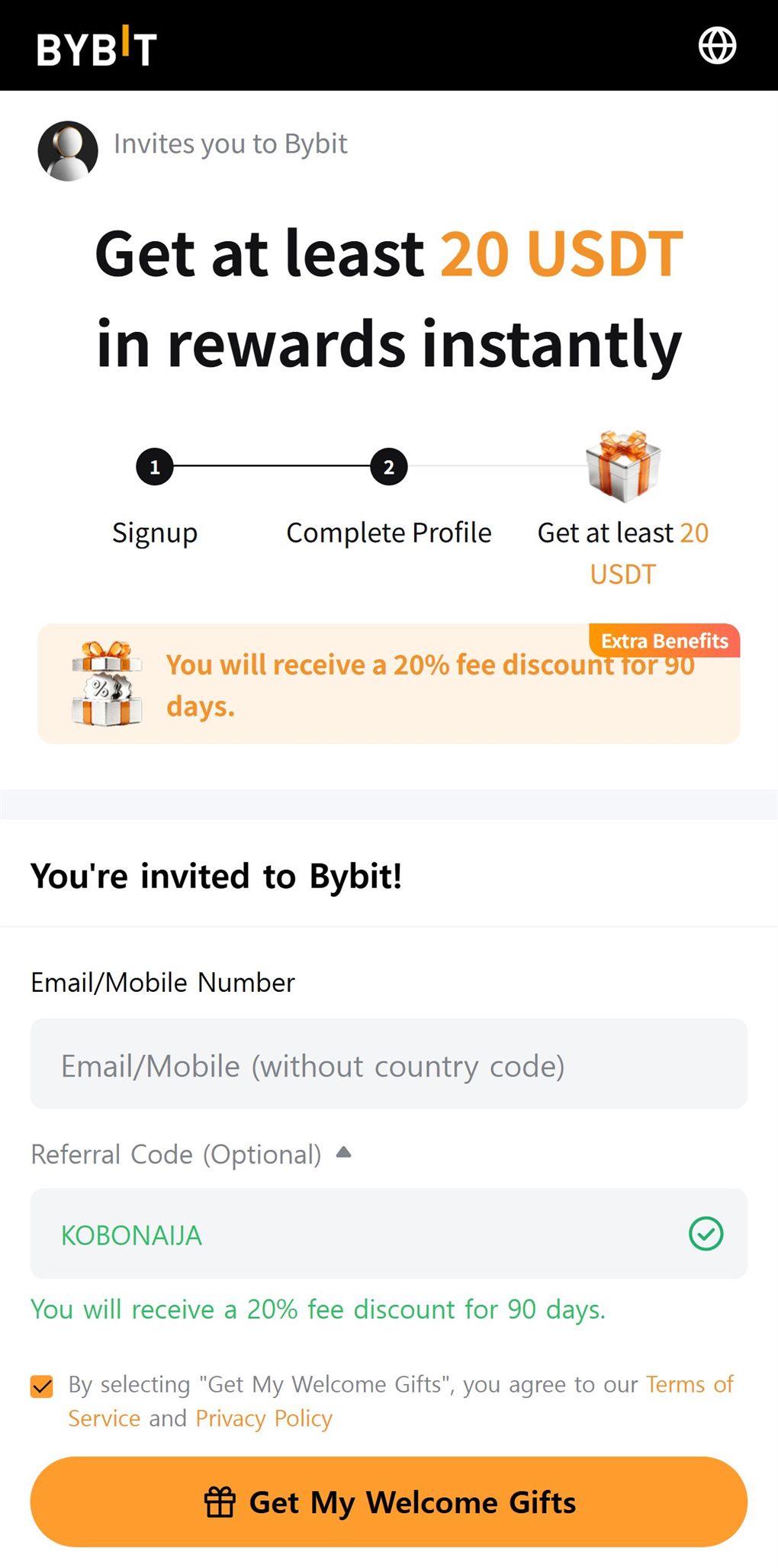 Bybit's sign-up page opened from our link, 12 October 2026.
Step 2: Verify your identity (KYC)
Exchanges ask for ID so they know who their users are. Bybit's basic level (Standard, also shown as Lv. 1) needs an ID document and a face scan, and is required for P2P. Higher levels need more, such as proof of address, and allow larger limits. The documents and steps are in Bybit KYC in Nigeria.
Step 3: Secure the account
Do this before you deposit or trade:
- Turn on 2FA with an authenticator app.
- Set an anti-phishing code in the security settings. Real emails from Bybit will then show your code.
- Check which devices are logged in.
Join through our link: get at least 20 USDT in sign-up rewards and 20% off trading fees.
Open a Bybit account and see new-user rewards(affiliate link)